As indie developers, when we finally type the last line of code and get the core features working, we often think: “We’re done.”
But reality hits hard: App Store Connect is waiting for you.
That’s when you realize the real trouble is just beginning:
- You need to support dozens of App Icon sizes;
- You need to design polished App Store Preview Screenshots;
- Apple requires a compliant Privacy Policy;
- If you want to go global, managing Localization files can be a nightmare;
- And finally, forgetting a tiny setting before submission (like leaving Debug mode on) can get you mercilessly Rejected.
LaunchCheck was built to solve these tedious “non-code” steps. Let’s see how you can use the toolchain to finish the final sprint before launch—cleanly and confidently.
Step 1: Visual assets that hook users instantly
Before users download your app, icons and screenshots are all they can see.
1. iOS App Icon Generator
In the past, you had to open Photoshop or Figma, export a 1024×1024 image, then manually resize everything—or hunt down a bunch of online converters.
LaunchCheck’s solution:
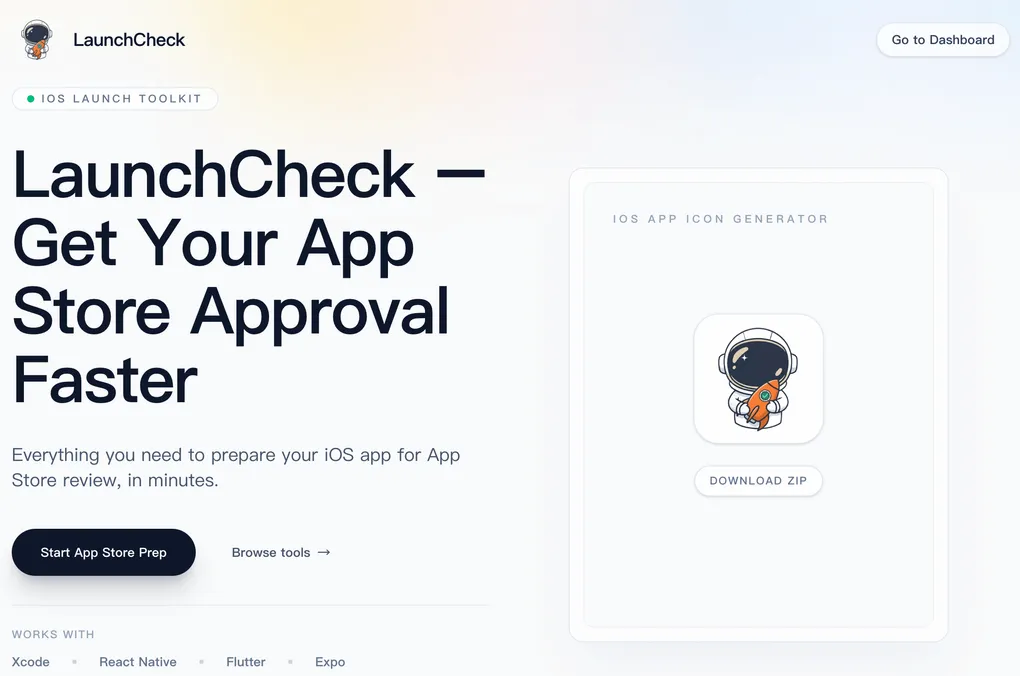
Upload a single 1024px master image, and the tool automatically generates an Apple-compliant .appiconset package (aligned with the latest specs). Download the ZIP, unzip it, drag it into Xcode’s Assets catalog. Done.
2. App Store Cover Generator
Plain screenshots look… plain. The modern trend is to wrap screenshots in stylish phone mockups and add short, punchy marketing copy.
With the Cover Generator, you can quickly assemble professional App Store previews without designing backgrounds—creating a designer-level set in minutes.
Step 2: Legal & compliance, handled
This is the most painful part for developers. Apple’s review guidelines clearly state: every app must provide a privacy policy link.
3. Privacy Policy Generator
Don’t copy someone else’s terms from the internet—they may not apply to your app and could even introduce legal risk.
With the Privacy Policy Generator, you simply check which data your app collects (e.g., location, contact info, usage data, etc.), and the tool automatically generates a standard privacy policy in HTML or Markdown. You can host it directly on a LaunchCheck page and paste the link into App Store Connect.
Step 3: Going global (localization)
To reach more countries, localization is essential. But Xcode’s .strings workflow is pretty primitive.
4. Localization Files & Validator
- Localization file generation: Quickly generate structured multi-language files and avoid formatting errors caused by manual copy-paste.
- Localization Validator (a lifesaver): This step is often overlooked. You add a key in English, forget to translate it elsewhere, and users end up seeing
label_title_textin the UI. LaunchCheck helps you compare language files and find missing keys in one click, eliminating these avoidable mistakes.
Step 4: Final checks before liftoff
Submitting for review is like launching a rocket—one loose screw can fail the mission.
5. Pre-submission Checklist
We compiled a Checklist with dozens of checks:
- Did you bump the version number?
- Is Debug mode turned off?
- Did you include a test account in the notes?
- Is IDFA (Advertising Identifier) selected correctly?
Don’t trust your memory—trust the checklist. Running through it before clicking “Submit for Review” can save you days, sometimes weeks, of rejections and resubmissions.
Closing
You build apps to create value—not to waste life cropping images and writing docs.
LaunchCheck’s mission is simple: automate repetitive, boring, non-core work so you can focus on polishing the product itself.
Ready to ship your next breakout app?